Websites
Why your website isn’t turning visitors into enquiries
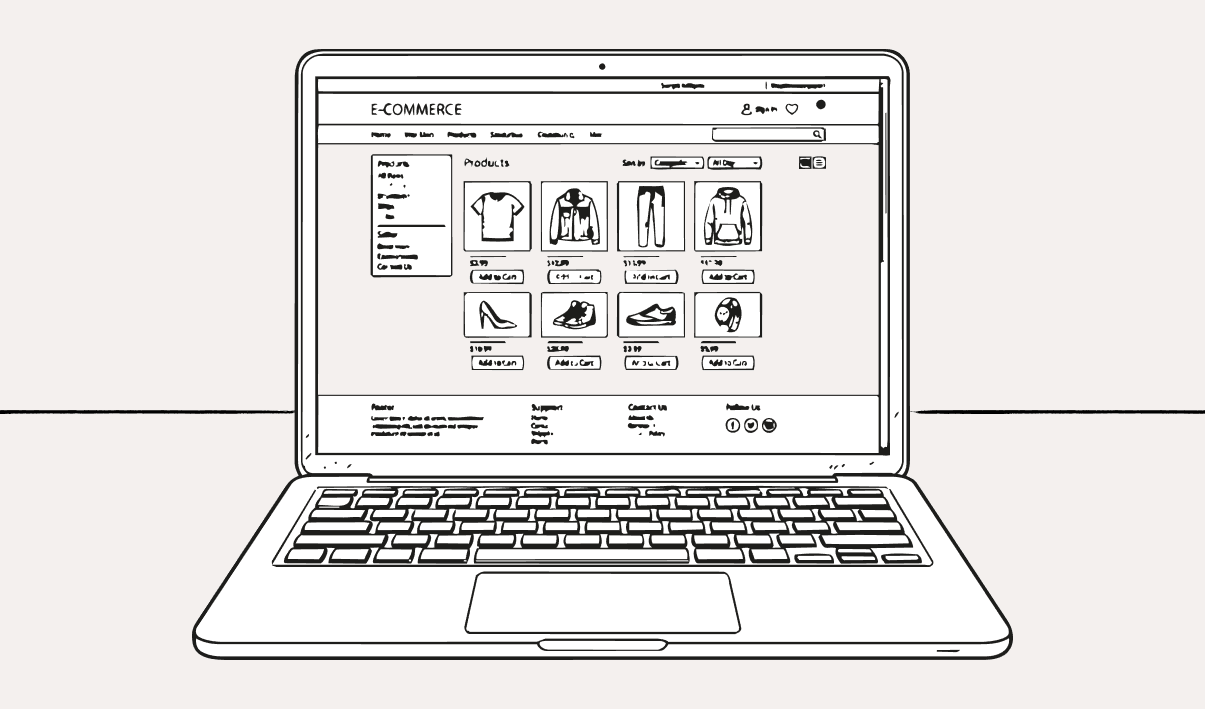
You might have spent hours, or weeks even, building your website using templates and handy ready-made graphics. You may have even paid a developer to build the website for you.
It's live, so why isn't anyone getting in touch?
There could be a number of reasons. This blog explores them.
Google might not have found your website yet
One reason your website might not be driving enquiries is that Google might not crawl or index your website.
Crawling is when Google discovers and visits pages on your website. Indexing is when Google stores and understands those pages so they can potentially appear in search results.
If your website is new, Google may not have discovered or indexed it yet. You don’t always need to manually submit your site, but setting up Google Search Console and submitting a sitemap can help Google find your pages and show you if there are any issues.
Setting up Search Console is fairly straightforward, but indexing can take time and isn’t guaranteed.
Here are the steps I took when setting up my Search Console.
Make sure you have a Google login
Go to Google Search Console
Follow the instructions - you'll just need to enter your website URL, and name the project
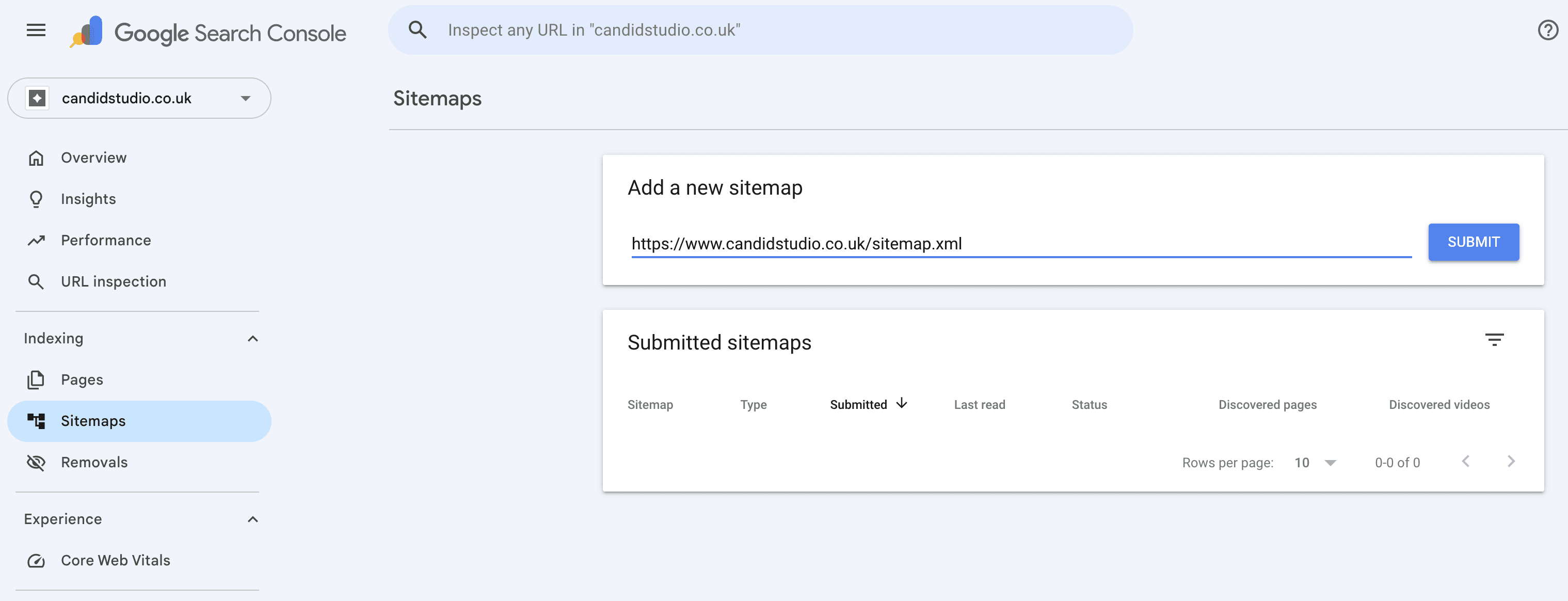
Once you're done, head to Sitemaps on the left hand side of the screen, and enter the URL for your sitemap (you may need to create one, or Google the website build/hosting provider plus "sitemap" to find out if they have already created the sitemap for you automatically)
Make sure "https://" is before the URL for it to work
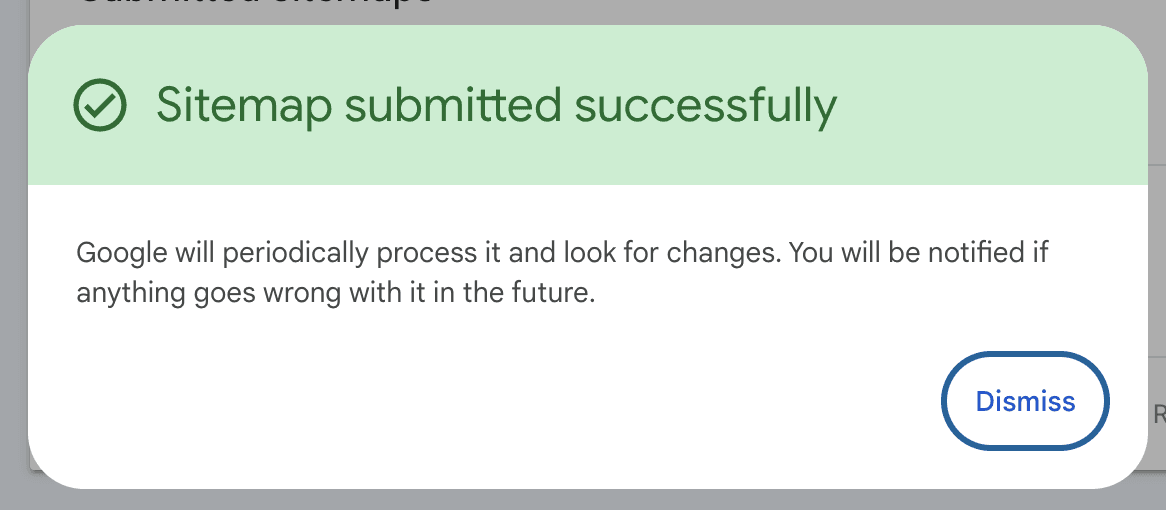
If successful, you'll see this pop up:
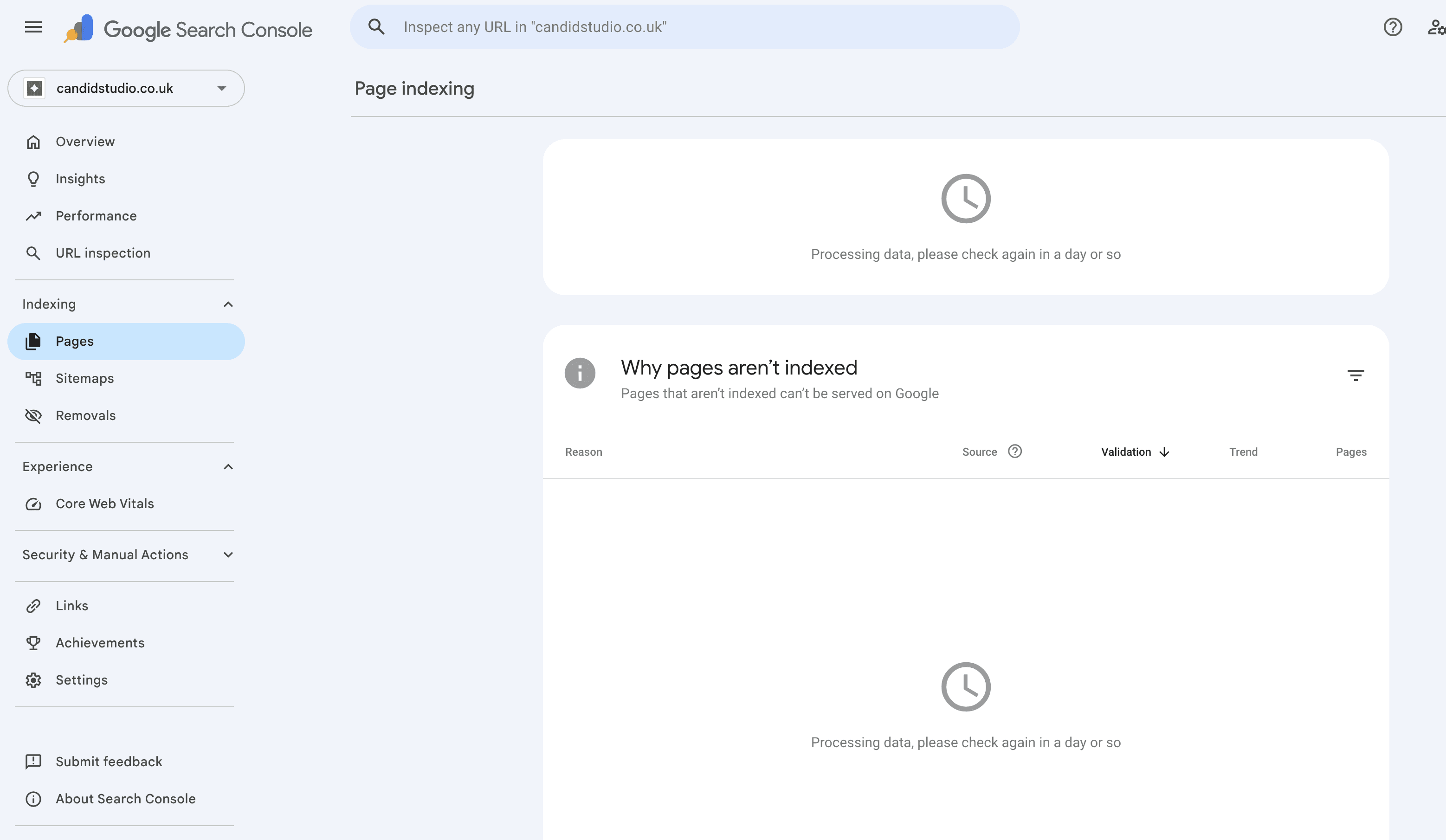
Give Google some time. Some pages may appear quickly, while others can take longer. Search Console can help you check what’s happening. If you add new pages later, your website platform may update your sitemap automatically, but it’s worth checking.
Google might not understand what you offer
Now, I do not claim to be an SEO expert. I know basics, and that's enough to get me by as a small business. If you've not looked into SEO, I encourage you to, or to speak to someone who's an expert at it.
The gist of it is that SEO is about helping search engines and real people understand what your website is about. This is often done using relevant keywords, both short and long-form, which are what Google uses to decide if your website is relevant enough to put in front of someone who may have searched for something related to what you're offering.
For example, if you're a bakery, and you sell fresh loaves of bread every day, and someone searches for "bakeries with fresh bread near me", but there's nowhere on your website that states you sell fresh bread, Google won't know to put your website in front of that person.
Search is changing too. Google now shows AI Overviews for some searches, and more people are asking longer, more conversational questions, myself included. That means clear, useful content matters even more.
It's ok to not get it perfect. I've worked with dozens of companies that haven't got it right, but are well-known thanks to reputation, recommendations and other means. Just do your research, do your best with it, or hire a professional. Maybe you could find a really helpful person who will audit your site for free before you commit to their services.
Your contact form might be broken
Before you go any further, run a quick test on your contact form. You'd be amazed how many website contact forms are broken and their website owners have no idea about it.
Just submit a test enquiry through your form, and see if you get it. If you don't, you have the answer. Now it's just a matter of fixing it - and that's a whole different blog topic for another day!
Your next step isn’t obvious
People shouldn’t have to hunt around to work out how to contact you, book, buy or enquire.
If your buttons are vague, hidden, or only appear once at the bottom of the page, people may leave before taking action.
Your website should gently guide people towards the next step.
Your website might be hard to trust or difficult to use
We're all too familiar with scam websites. If you land on a dodgy-looking site, you press the back button faster than Barry Allen. You know it can be full of hackers, viruses or whatnot, so it's safer to back out and look elsewhere.
If your website feels messy, outdated or difficult to use, or looks like it was designed when dial-up was still around (ahhhh… remember those days?), then chances are your website is driving people away.
It could be a simple thing - making your colours consistent, alignment issues, better fonts, some simple graphics etc. But sometimes it's better to approach it with a clean slate.
Either way, that's where I come in. It's hard to see the wood for the trees, but having a fresh pair of eyes looking at it can bring surprisingly obvious and easy things that can be fixed quickly from a user experience and user interface perspective.
Sometimes, though, websites genuinely need some TLC or a full refresh. I never pressure anyone into this - there's no point rocking the boat or poking the bear if there's no need to. It's a waste of your money, and a waste of my time and energy, so I will be honest in whatever I think your website needs.
I can always carry out an audit for you, tell you my findings, and you can decide what to do from there.
Your next step: test, tidy, improve
Hopefully, this blog has helped you in some way, and encourages you to do some digging. Take a look at the points I made above, and iron out any kinks you find.
If you need help with tidying and improving your website and would like my help in doing so, just get in touch!